Your Cart Total
{{price(cart.total || cart.subtotal_with_discount)}}
Add {{price(remainder)}} to qualify for free shipping*
You qualify for free shipping!*
Some items in your cart do not
qualify for free shipping.


Our products have been throughly tested to work safely with your personalization technology. Our materials will make sure your projects look their very best!

With more than 10,000 products to choose from for laser engraving, sublimation, vinyl, heat transfer, and more, you’ll find a color or item for everyone and every project.

Our team of experts are always available to help with any questions you have and make product recommendations based on your specific personalization equipment.
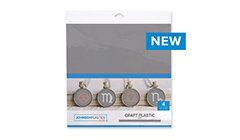
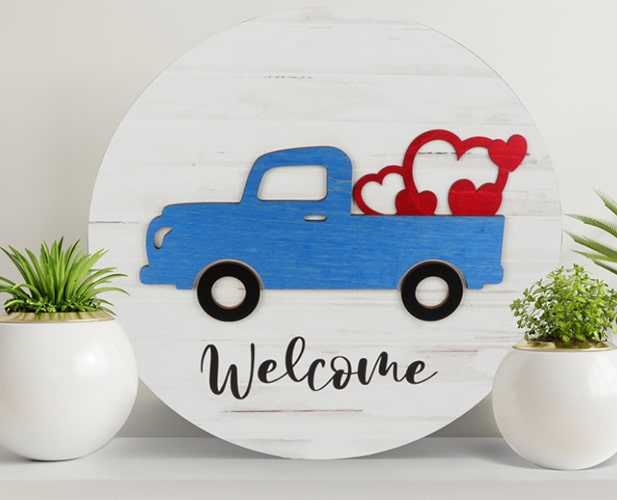
Craft Plastic is perfect for scrapbooking, jewelry, stencils, custom-cut shapes, signs, gift tags, ornaments, home decor items, and more!


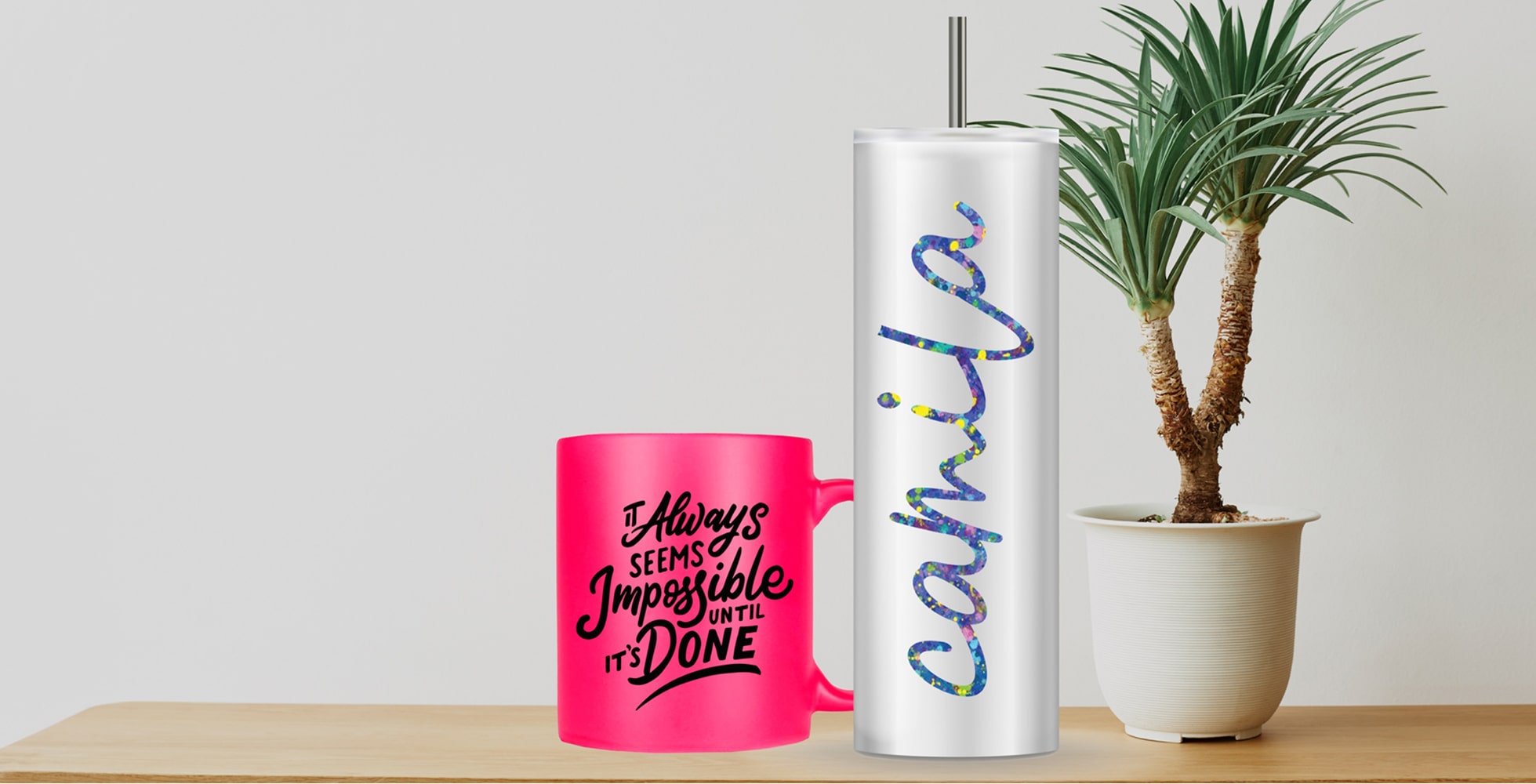
Creating personalized items, both as a hobby and business, has exploded in popularity over the last several years. Equipment costs, such as the prices of vinyl cutters, small-format tabletop laser printers, sublimation printers, and even toner heat transfer printers, have dropped significantly, making them accessible to creative types everywhere. This shift in the market means affordable sublimation printers for crafters, space-saving tabletop laser engravers, and budget-friendly cutting machines for crafters and entrepreneurs!
If you’re starting a small engraving business and need bulk supplies recommendations for a cost-effective setup, or simply working on your craft room set up, this guide walks you through the tools, materials, and decisions that matter most. Whether you’re looking to create items for your friends and family or wanting to open an online retail shop to sell customized items, there are several different technologies you can use to create personalized projects.
Before you get started, there are a few key considerations to make.
Before deciding on which tools to start a home crafting studio, determine what you want to make and how much room you have. For example, if you’re on a budget, look for top maker tools for beginners under $100 and scale up as your business grows. You may consider ordering your own blanks and materials and using equipment available at maker spaces and libraries until you grow into your business and have the budget for your very own printer or laser cutter!
Popular beginner printers for makers include:
As you embark on your creative journey, you’ll start to learn all materials aren’t made equal. That’s why we’ve gathered our favorite materials for crafting and small businesses, ranging from wood to faux leather. You’ll find something to inspire you from bold two-tone acrylic, sparkly flat plastic stock, and even sublimation ready acrylic that can be laser cut!
We’ve made the creative process easier for you by testing our products to ensure they work well with laser, sublimation, UV printing, or vinyl. All you have to do is check out the icons to make sure your material works with your chosen equipment!
There are thousands of items to customize if you’ve got a creative side and you want to start making personalized products. There are so many options that it can be a bit overwhelming, and it’s tempting to want to jump in and personalize everything you come across.
While we encourage creative experimentation, to start we recommend perfecting a smaller category of products that you want to personalize. For example, if you’re looking to create customized drinkware, consider starting with 11oz and 15oz mugs to start. Then, when you’re more comfortable with those items, branch out into other drinkware items such as tumblers and sports bottles or accessories like can insulators or coasters. When you’ve found your niche, explore upgrading your equipment with a specialized drink press!
Once you figure out what it is that you want to make, there are countless resources and groups online that can help you shorten your learning curve. You can also check out maker podcasts and forums, like our Personalization Podcast, for inspiration! Ask questions and watch our library of videos, and you’ll be creating stunning personalized gifts and items in no time.
Whether you’re ready to make sublimation projects, create magic from two-tone acrylic, or make unique laser cutter projects, you need to have the right equipment!
We broke down our favorite ways to create personalized items so you can choose the right printer for you.
Sublimation, or infusible or infused ink, is the process of printing liquid inks on to sublimation-ready paper and using heat and pressure to transfer the image to a polyester-coated item. While that can sound like quite a process, sublimation is an easy technology to learn and offers the ability to transfer full-color art to thousands of coated sublimation-ready products.
Sublimation offers a low cost-of-entry to personalization. Sublimation printers from reputable brands such as Epson offer outstanding image reproduction, making the process a favorite for makers who use full-color images, logos, and photographs. And while you will need a polyester coated item to complete your transfer, there are thousands of products available for the process. There are countless drinkware options, including mugs and tumblers, home décor items, plaques, sign blanks, ornaments, and more.
In addition to a printer, you’ll need to get a heat press or convection oven to complete the sublimation process for items that don’t fit into a flat press or a mug press. Our heat press selection includes brands such as GeoKnight, Insta, and Stahls in a wide range of sizes and options. We also offer specialty heat presses specifically for drinkware, like coffee mugs that offer an economical price point to start with sublimation.
Items personalized with sublimation are very durable, as the ink sinks and permanently dyes the item as opposed to sitting on top. If cleaned and stored correctly, sublimated products can last for years.
A solid sublimation starter kit checklist for Etsy sellers or home crafters includes:
Beginner mistakes in sublimation and how to fix them often include:
Protect your investment with these sublimation printer maintenance tips:
When debating sublimation vs heat transfer vinyl which is better, consider:
Vinyl cutters, such as those made by Cricut and Silhouette, are a great entry point into the world of personalization. Beyond cutting vinyl, these cutters can also cut a variety of other materials, like the plastics in our Craft series of products, thin wood sheets, and cardboard and paper. These machines are ideal if you are someone who likes to create original shapes, patterns, and words in design software and have your vision come to life. If you’re considering alternatives to Cricut for sublimation projects, look at machines with wider material compatibility and a strong downforce.
You can also explore the world of print and cut machines to make everything from laptop stickers to refrigerator magnets!
A natural progression for those who’ve used vinyl cutters is to upgrade to a laser engraver/cutter (also called a laser printer). Lasers from brands such as Flux, Aeon, Boss, Epilog, and Universal offer all the capabilities of a small format cutter, with the added bonus of being able to permanently laser mark and etch images and graphics directly on to items. This gives makers the flexibility to cut out custom shapes from a variety of materials and then mark those shapes for truly unique products.
Depending on the bed size, a laser will have a larger footprint than some vinyl cutters and printers. And whatever you plan to do with your laser, you’ll need to make sure that the materials you put in your laser are tested as “laser safe.” Products such as engravable sheet plastics from Rowmark, some leather and wood products, certain metals, and products in our Craft Plastics, Cast Acrylics, and Saddle Collection lines have all been rigorously tested to safely work in a laser.
Items that have not been tested to work in a laser can cause the machine to malfunction or potentially give off toxic fumes. For your safety, be sure you’re purchasing laser-friendly products from a reputable supplier who stands behind the products they sell.
If you’re new to laser engraving, start with:
Material comparisons:
Toner heat transfer printing is a similar process to sublimation, where you are typically printing an image to transfer paper and using heat to press the image to an object. The main difference between the two technologies is that toner heat transfer does not require items to have a polyester coating. This means that, as long as an item fits in a heat press and can withstand the required transfer temperature, it can typically be personalized with toner heat transfer.
Another major difference between toner heat transfer and sublimation is that toner heat transfer can print to dark items using white toner. This gives you the ability to create unique, personalized items such as invitations printed on dark or black paper or creating transfers for dark garments and textiles.
There are several manufacturers of toner heat transfer printers, including dedicated toner heat transfer printers from UniNet. As with sublimation, you will need to pair your toner heat transfer printer with a heat press for most applications.
Desktop UV printers have become a powerful tool for makers who want to expand beyond lasers and sublimation into direct printing on rigid and flexible surfaces. For small shops, Etsy sellers, and startups, UV printing offers an affordable way to add logos to tumblers (US), signage, promotional items, and personalized gifts, often without coatings or transfer steps.
When paired with the right materials and complementary tools, desktop UV printers can dramatically increase product offerings while keeping costs manageable.
A smart starting point is building a starter kit of UV-printable substrates that covers multiple product categories without over-buying. Common options include:
For new businesses, prioritizing budget-friendly UV media for crafts allows testing demand before committing to large inventory purchases.
Many UV printer owners also use laser engravers to open a world of truly custom projects!
Understanding what to avoid cutting with a laser is essential. Materials like PVC, vinyl, and untested plastics can release toxic fumes and damage equipment. You can feel confident in your JPPlus materials marked as laser-safe.
For shops combining UV printing and laser engraving, these are consistently profitable:
Sourcing these from alternatives to big-box craft store acrylic suppliers, like JPPlus.com, often reduces costs and improves consistency.
If you’re cost-conscious, look for:
This approach is especially useful when starting a small engraving business and need bulk supplies recommendations for a cost-effective setup.
When producing items like engraving materials for wedding gifts, combining UV color with laser engraving creates premium, high-margin results.
For regulated or gift-focused products, material safety matters.
Wedding and event products often combine:
These are ideal engraving materials for wedding gifts and personalize well with UV color accents.
For studios where noise and space matter, pairing UV printers with quiet desktop engravers for home workshops allows longer work hours without disruption. Ensure you’re using a proper air extraction system when creating in an enclosed space.
This combination is common in:
Desktop UV printers give small shops the ability to:
When used alongside lasers and engravers, UV printing fills a critical gap in modern personalization workflows.
The world of personalizing and laser engraving business is exciting! To get started, you just need to start. Start small. Choose one category, mugs, tumblers, or wood signs, and master it. Use recommended sublimation blanks for small businesses, test materials thoroughly, and reinvest profits into better tools.
Whether you’re upgrading your home studio or pricing out a profitable side hustle, Johnson Plastics Plus offers trusted, tested materials backed by decades of experience supporting makers.
Johnson Plastics Plus has more than 50 years experience providing high quality products to makers of all sizes. If you have any questions, please contact our team of customer service professionals. We can be reached via the chat function on jpplus.com, through email at service@jpplus.com, or by calling 800-869-7800.