
What faux leather material is best for laser engraving?
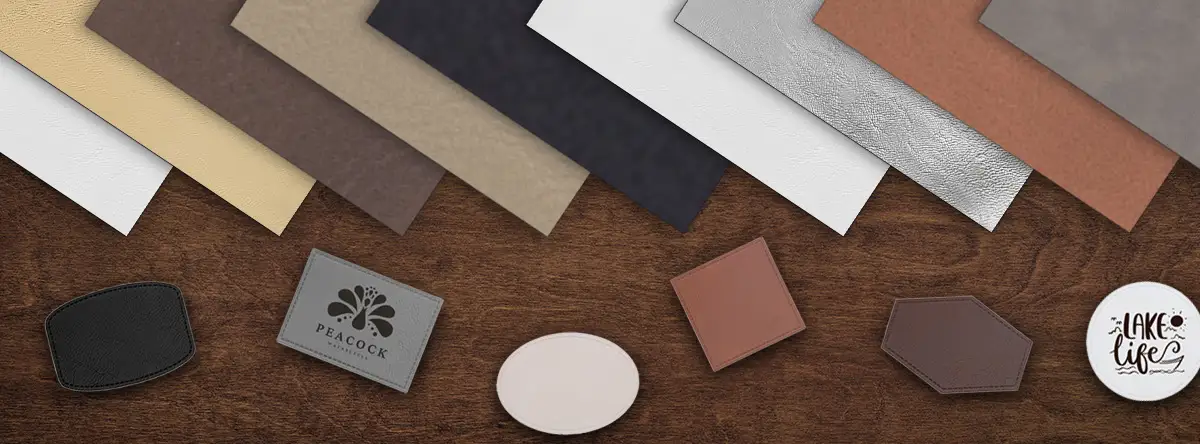
Quick Answer: The best faux leather material for laser engraving is sheet material or engraving blanks engineered with a dual-layer, PVC-free polyurethane (PU), such as the Saddle Collection. Unlike generic vinyl that can melt or release harmful chemicals when engraved, laser-safe faux leather material is designed to cleanly vaporize under CO₂ and diode lasers, revealing a sharp, high-contrast core ideal for hat patches, apparel, and personalized gifts.
What makes faux leather suitable for laser engraving?
When shopping for a leather material that can be laser engraved, there are a few key features to keep in mind, as not all synthetic leather can be processed safely with a laser. Some generic craft-store imitation leathers often contain polyvinyl chloride (PVC), which produces corrosive chlorine gas and toxic fumes when cut with a laser.
Professional laser-friendly faux leather and leather-like engraving blanks such as the Saddle Collection feature a multi-layer construction: a durable surface finish bonded to a contrasting core. When the laser ablates the top foil, it exposes the contrasting color underneath without burning through the backing. We make it easy on JPPlus.com to identify if a leather material or blank is laser-safe by notating with an icon and mentioning in the description.
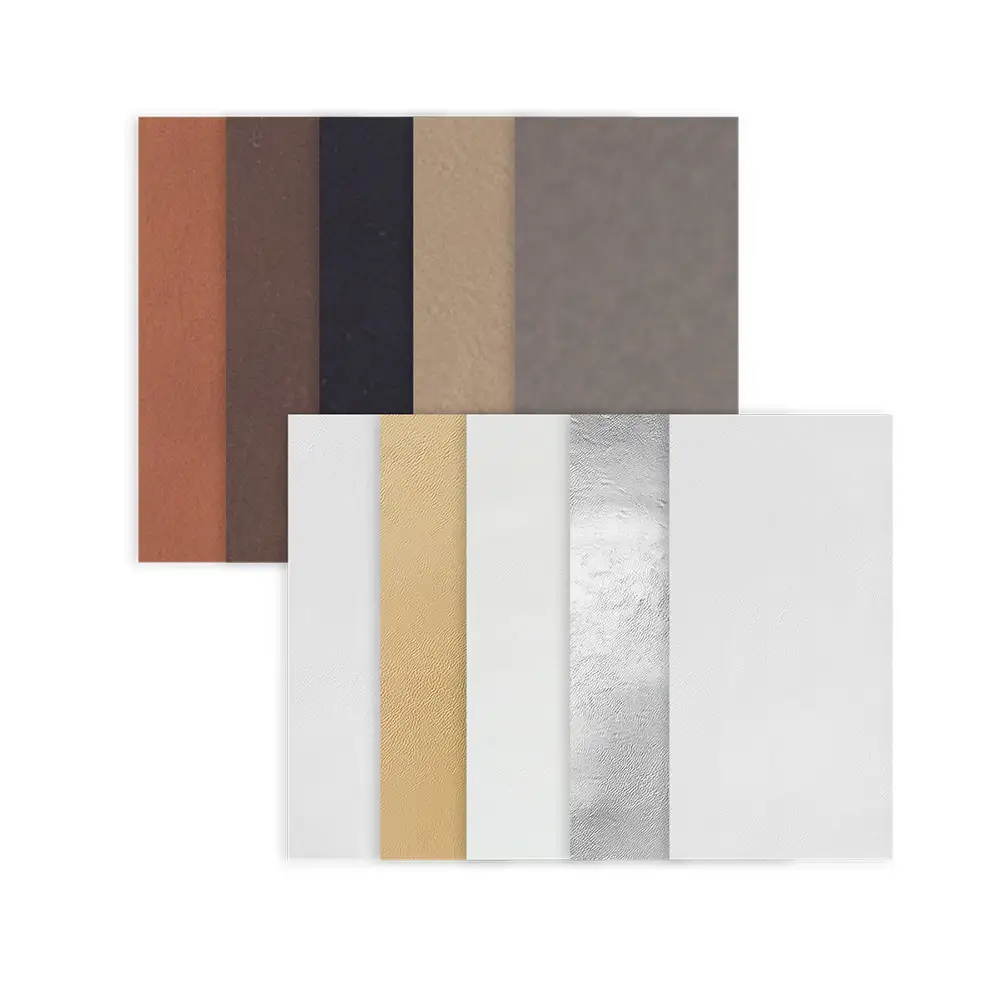
NEW in 2026! Carmello (white) saddle sheet. Check it out >
The best faux leather for laser processing
For professional sign shops, custom hat decorators, and laser personalization businesses, the Saddle Collection is the industry standard in laserable leather materials. Saddle collection sheet material and laser engraving blanks are engineered specifically for laser marking and cutting and feature trending colors, products, and styles.
Why Saddle Collection outperforms generic faux leather
- High-Contrast Engraving: Saddle Collection materials engrave easily and produce stark, high-contrast marking.
- Easy engraving: Saddle Collection faux leather vaporizes cleanly under standard laser settings.
- Broad product range: Because it cuts without fraying and engraves smoothly, decorators utilize Saddle Collection across high-margin product lines:
- Laser-engraved hat patches and beanies
- Branded apparel and jacket accents
- Drinkware wraps and can coolers
- Leatherette keychains, luggage tags, and coaster sets
- Portfolios, corporate awards, and promotional gifts
Saddle Collection: Patches vs. sheets vs. blanks
Choosing between pre-cut blanks, full sheet stock, and engraving blanks depends on your equipment, order volume, and customization requirements:
| Feature / Attribute | Saddle Collection Apparel Patches | Saddle Collection Sheet Stock | Saddle Collection Engraving Blanks |
| Primary Use Case | Fast-turn hat and headwear decoration | Custom shapes, large goods, and mixed projects | Corporate gifting, personalization, custom products, home decor |
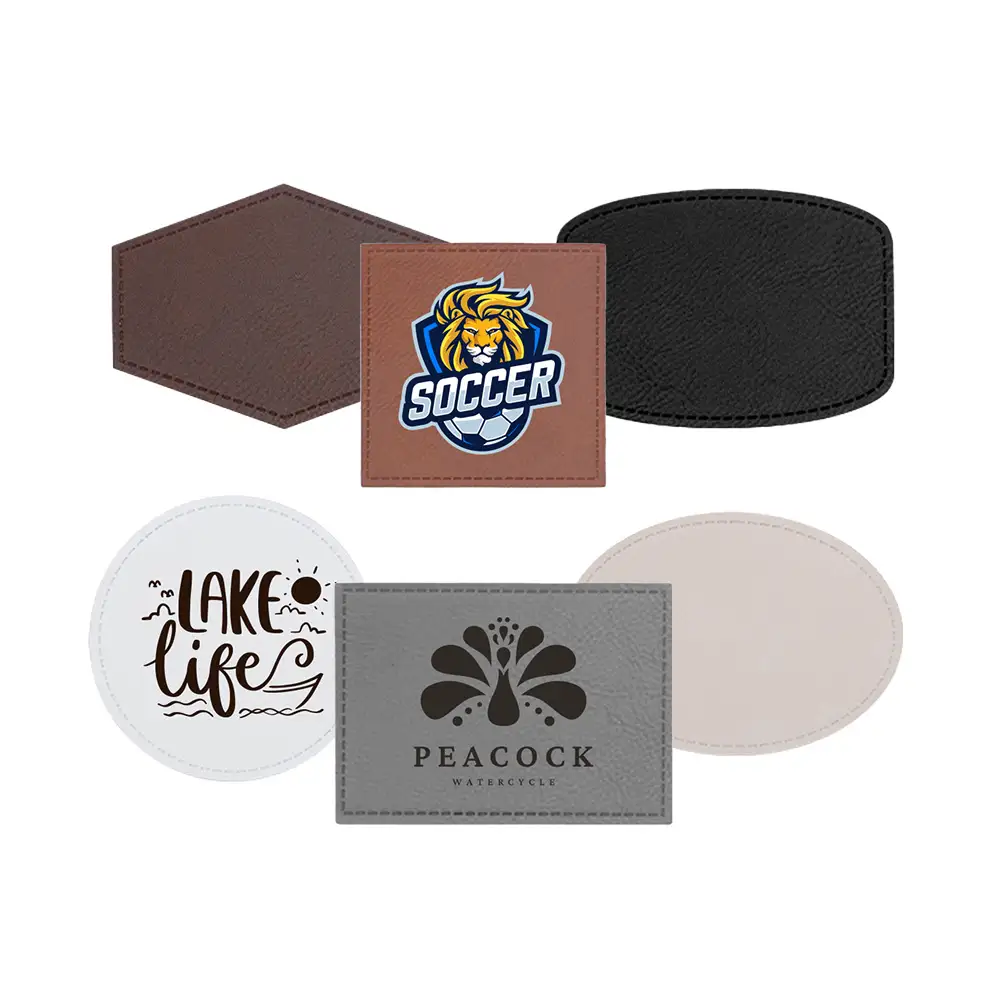
| Available Formats | Pre-cut rounds, ovals, rectangles, hexagons | Full 12" x 24" sheets | Leather coasters, passport covers, golf accessories, bottle openers, notebooks, keychain |
| Adhesive Options | Heat-activated pre-applied adhesive or plain | Sheet adhesive compatible | Not applicable |
| Production Speed | Fastest (no perimeter cutting required) | Flexible (cut and engrave in a single job) | Varies per blank |
| Material Yield | Zero scrap / 100% usable pieces | High yield for nested or irregular vector shapes | Not applicable |
When to choose pre-cut apparel patches for hat decorating
Hat patch customization represents one of the highest-growth categories in personalization. Pre-cut Saddle Collection Apparel Patches eliminate the vector cutting step, allowing decorators to focus entirely on raster engraving.
Advantages of pre-adhesive hat patches
- Reduce manual process: Pre-applied heat-activated adhesive removes messy liquid glue and sheet tape application steps.
- Consistent bond: Factory-applied adhesive ensures uniform edge adhesion during heat press application.
- Standardized sizing: Pre-cut shapes align with popular cap profiles (trucker hats, structured 6-panel caps, and beanies).
When to choose faux leather sheet material
For custom shapes, inlays, or maximizing margin on mixed product runs, Saddle Collection Sheet Stock provides maximum flexibility.
Faux leather vs. genuine leather for laser engraving
While genuine leather offers traditional appeal, engineered laserable faux leather delivers distinct production advantages for commercial decorators:
| Feature | Laserable Faux Leather (Saddle Collection) | Genuine Leather |
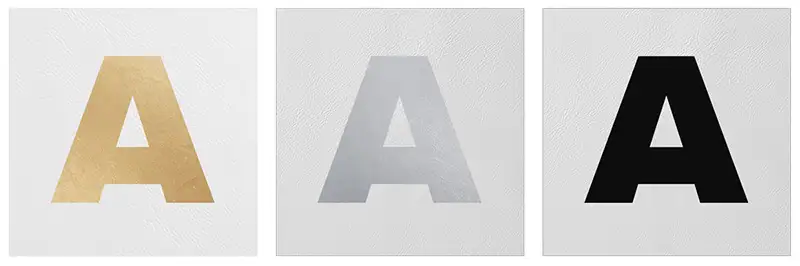
| Engraving Contrast | Engineered two-tone contrast (e.g., Tan to black, black to silver) | Dependent on natural charring / variable |
| Thickness Consistency | Exact uniform thickness sheet-to-sheet | Natural variation, scars, and uneven grain |
| Laser Safety | 100% laser-safe and chemical-controlled | Safe, but produces intense organic odor |
| Color Variety | 20+ colorways, metallic undertones, textures | Limited natural tanning shades |
| Material Cost | Predictable, cost-effective per square foot | Higher cost with irregular edge waste |
| Maintenance | Water-resistant, wipe-clean finish | Requires conditioning; sensitive to moisture |
Technical tips for laser engraving faux leather
GENERAL LASER ENGRAVING PROCESS FOR FAUX LEATHER
Recommended Equipment & Accessories
- CO2 Laser Engraver
- Clean Towel
- Isopropyl Alcohol
Recommended Settings - Laser Engraving- Glowforge (faster engraving)
- Laser Power 20-25%
- Laser Speed 1000 (max)
- Resolution (LPI) 225
Recommended Settings - Laser Engraving- Glowforge (higher precision engraving)
- Laser Power 12-15%
- Laser Speed 1000 (max)
- Resolution (LPI) 340
General Laser Engraving Instructions
- Place the product onto the laser bed and close the laser. The laser will automatically take a photo ofthe laser bed.
- Import and position the artwork over top of the product in the laser software/dashboard.
- Once the artwork is positioned, engrave using the suggested starting settings.
- Settings may need adjusted depending on the laser tube wattage.
- When finished, remove the product from the laser bed.
- If cleanup is needed, wipe the surface with a clean cotton cloth lightly misted with isopropyl alcohol.
GENERAL LASER CUTTING PROCESS FOR FAUX LEATHER
Recommended Settings - Laser Cutting- Glowforge
- Laser Power 20-25%
- Laser Speed 150-200
General Laser Cutting Instructions
- These recommendations are recommended for Saddle Collection Leather-Like Sheet
- Place the product onto the laser bed and close the laser. The laser will automatically take a photo ofthe laser bed.
- Import and position the artwork over top of the product in the laser software/dashboard.
- Once the artwork is positioned, send the laser cut using the suggested starting settings.
- Settings may need adjusted depending on the laser tube wattage.
- When finished, remove the product from the laser bed.
- If cleanup is needed, wipe the surface with a clean cotton cloth lightly misted with isopropyl alcohol.
Tips and Tricks
- To help with artwork placement, utilize the product template for this item, found on the item's product page.
Troubleshooting
- The engraving is too shallow.
- Laser power setting and/or resolution may need to be increased.
- Laser speed setting may need to be decreased.
- Check laser focus.
- Check and clean laser lenses and mirrors.
- Check laser alignment. (see laser users manual on how to check and adjust laser beam alignment)
- The engraving is too deep.
- Laser power setting and/or resolution may need to be decreased.
- Laser speed setting may need to be increased.
- The engraved area is charring/melting.
- Laser power setting and/or resolution may need to be decreased.
- Laser speed setting may need to be increased.
- The edges along the laser cut line are curling.
- Laser power setting may need to be decreased.
- Laser speed setting may need to be increased.
- Use a laser cutting ("honeycomb") grid insert to set the product up off of the solid metal laser bed.
- Use air assist if available
Frequently Asked Questions
Is faux leather safe to cut and engrave with a laser?
Yes, if it is PVC-free. Materials engineered for personalization, like the Saddle Collection™, use polyurethane (PU) or microfiber cores that are completely laser-safe. Never laser-process unknown synthetic leathers or vinyls without verifying their Safety Data Sheet (SDS).
What laser type works best on faux leather?
Both CO₂ lasers and diode lasers engrave and cut faux leather effectively. CO₂ lasers cut faster through thicker backings, while diode lasers produce excellent high-contrast surface marks at appropriate speed settings.
What is the best faux leather for making custom hat patches?
Saddle Collection Pre-Adhesive Apparel Patches are considered the best choice for hat personalization because they feature pre-applied, heat-activated adhesive backing, high-contrast two-tone colorways, and pre-cut geometric shapes designed specifically for cap presses.
How do you attach faux leather patches to hats?
Faux leather patches can be attached using:
- Heat-Activated Adhesive: Applied using a cap heat press at manufacturer-specified temperature, time, and firm pressure.
- Embroidery / Stitching: Applied via sewing channel around the patch border.
- Rivets: Mechanically anchored through the cap fabric for an industrial aesthetic.