
What can you make with the eufyMake? Creative products and profitable ideas for desktop 3D texture UV printing
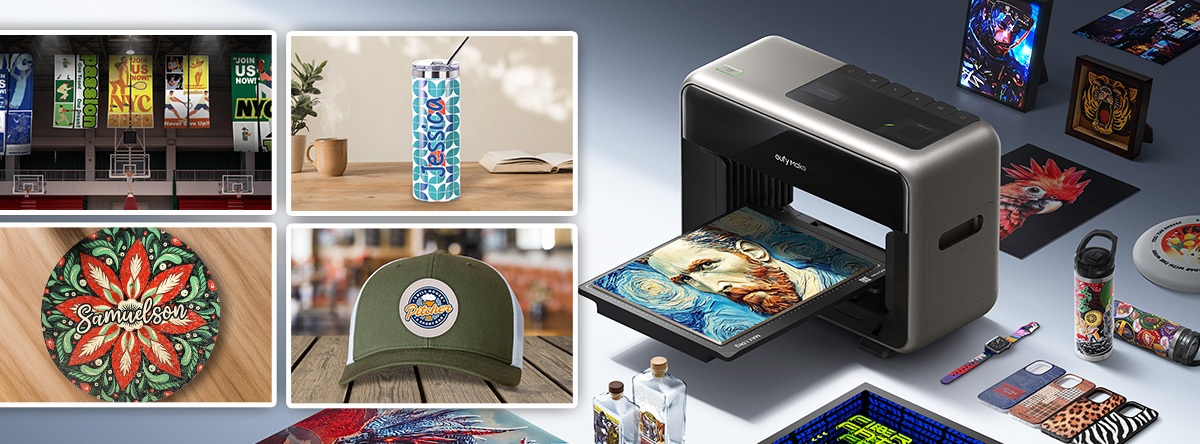
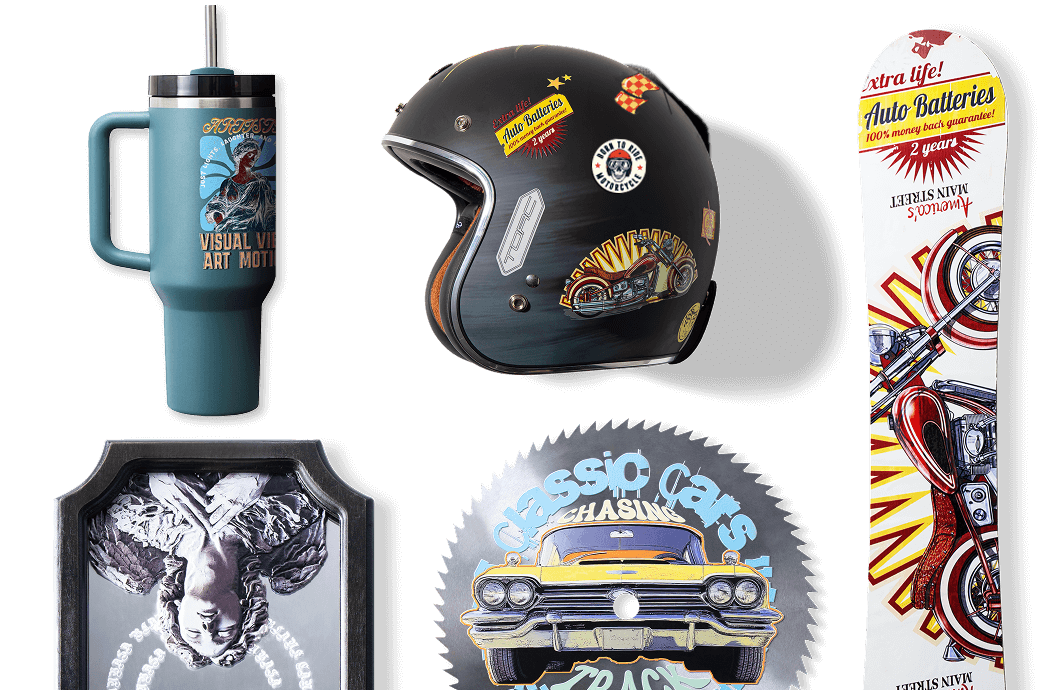
With over 300 compatible materials, the ability to print faux textures, raised text, and layer ink up to 0.197” thick on curved or flat surfaces in vivid colors, the creative possibilities of the eufyMake E1 3D texture UV printer are nearly limitless! To help get you inspired and the UV ink flowing, we’ve gathered some of our favorite ideas for what you can make with a desktop UV printer, like the eufyMake E1 3D texture printer.
What can the eufyMake E1 UV printer create?
If you’re looking for a desktop UV printer and the idea of custom printing on acrylic sheet or owning a UV printer for tumblers excites you, the eufyMake E1 may be the printer for you. The eufyMake E1 is an innovative, A3 UV flatbed printer that is small enough to fit in a home office with capabilities that reach far beyond your four walls.
UV printers, like the eufy UV printer, use ultraviolet (UV) light to cure (dry) ink instantly as it prints. UV ink can be rigid (standard) or flexible (soft) ink. Rigid ink is used to print on hard surfaces and flexible ink is used for printing on textiles or flexible surfaces. The hard ink, just as the name implies, hardens when it dries making it extremely durable when printing on hard substrates, while the flexible ink is pliable and bends with textile materials without cracking. Not all UV printers can print both types of ink, however, the eufyMake can switch between rigid and flexible inks! This means your designs can stick to a huge range of surfaces and look vibrant, sharp, and textured.
In addition to ink versatility, the printer has the unique capability to create textured effects. Using the faux texture capability, your prints can look like the real thing, whether that’s wood grain, oil paint, or the scales of a lizard.
Other key features that contributed to the eufyMake becoming the number one funded project on Kickstarter are the available add-ons. These add-ons include a rotary attachment, roll-to-film attachment for UV-DTF printing, and a UV-DTF laminating machine. The eufyMake can also print on cylindrical items with the rotary attachment and create custom stickers with the UV-DTF capabilities. The A3 bed size allows for projects up to 13” x 16.5” but expands to 33’ with the roll-to-film attachment!
Materials that work with the eufyMake:
There are over 300 materials that are compatible with the eufyMake E1 printer. Some of our favorite materials to print on with the eufyMake include:
Key features of the eufyMake UV printer:
- Full-color CMYK + white ink options for vivid prints on light and dark materials
- Flexible and rigid ink capability for printing on fabric and hard surfaces
- Optional rotary tool support for cylindrical objects like tumblers
- Optional roll-to-film attachment for UV-DTF printing
- Optional UV-DTF laminating machine
- High-resolution output, including texture and 3D effects
These features and broad material compatibility open up a long list of product possibilities. In fact, there are so many options that it might feel a bit overwhelming! To help you kickstart your creativity and generate ideas, here’s some project inspiration.
Top products and projects you can make with the eufyMake E1 desktop UV printer
1. Home Décor & Custom Gift Items
Home is a personal space and the perfect place to add customized items! Home decor is a booming market for custom UV printing, whether you’re creating home decor that fits your unique tastes and aesthetic or designing and selling to clients.
UV printing makes it easy to print custom names, photos, or art onto materials like wood blocks, ceramic tiles, or acrylic signs.
Popular ideas for UV printed home decor and gifts:
- Customized coasters and fridge magnets
- Family photos on wood or acrylic
- Personalized holiday ornaments
- Decorative glass or ceramic tiles
2. Tech & Lifestyle Accessories
Let’s face it, tech is an extension of us these days. We carry cell phones, wireless headphones, e-readers, and watches with us nearly everywhere! UV printing is a great way to add personalization and to keep track of these common items. With the eufyMake, you can print directly onto phone cases (plastic or leather), headphones, and laptop covers with custom designs, names, or even photos.
Other accessory applications:
- Custom keychains and luggage tags
- Personalized USB drives
- Tech cases
- Charging stations and charging bricks
3. Promotional Products, Business Branding, & Signage
UV printing is a great way to add custom-branding to items for businesses. Some of our favorite UV printing projects for promotional products and businesses include:
- Branded business cards with textured effects
- Custom golf balls and sports gear
- Company-branded mugs, tumblers, and water bottles (see rotary printing below)
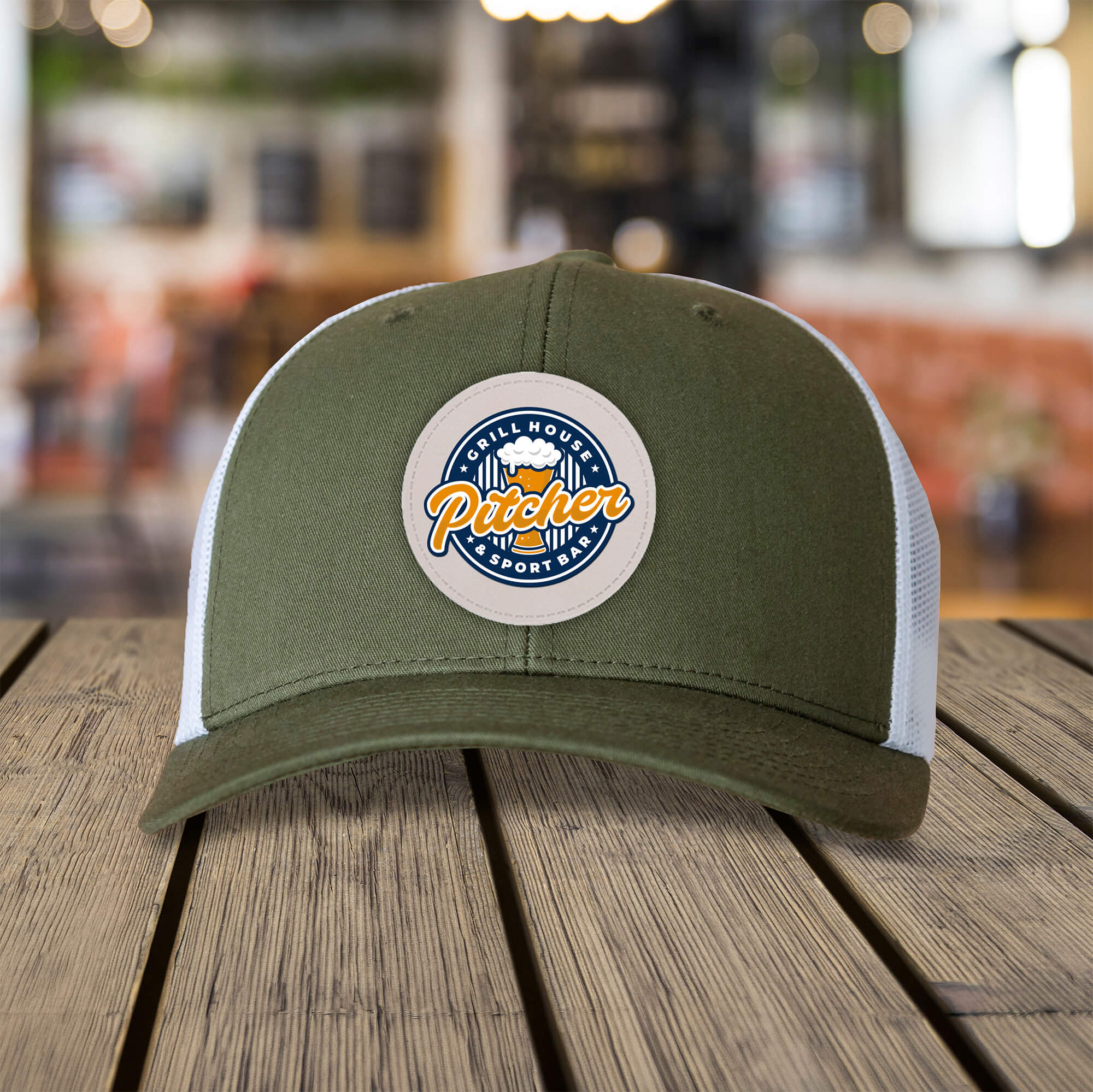
- Leather or faux leather patches for hats, bags, and jackets
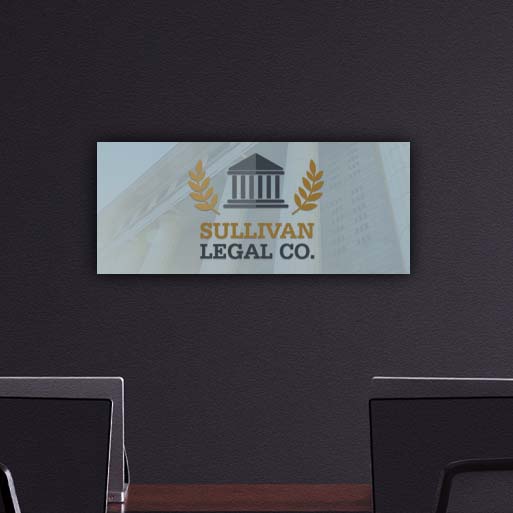
- Custom signage
4. Artistic Creations & Limited Edition Merchandise
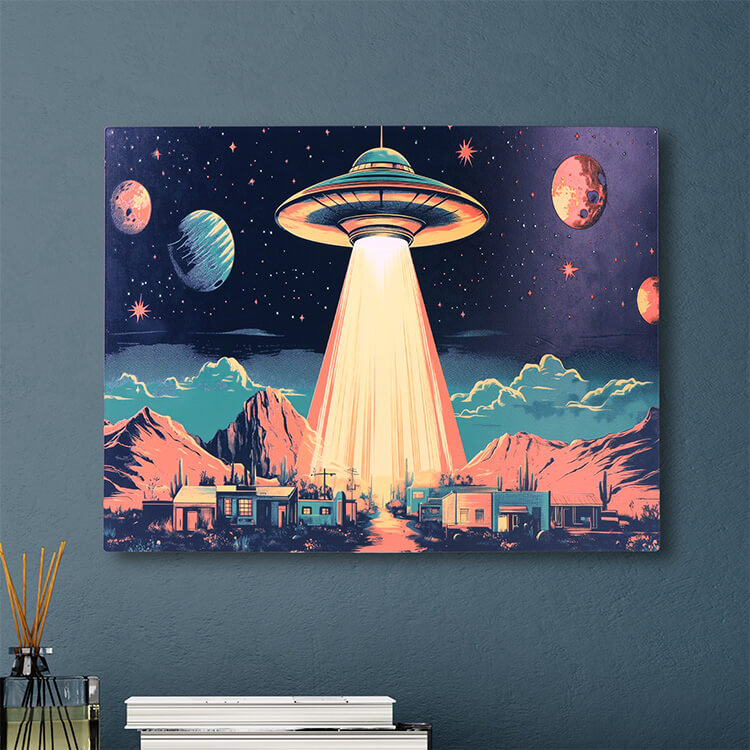
Artists especially benefit from UV printing’s versatility. The eufyMake creates vivid, textured artwork on various backgrounds, including dark or transparent materials.
Examples:
- Small canvas prints and posters
- 3D texture prints
- Custom skateboard decks or guitar picks
- Resin art embellishment with layered printing
Printing on Cylindrical Objects: How the eufyMake Raises the Bar
With the eufyMake E1’s rotary tool attachment, you can print full-wrap, textured designs on mugs, tumblers, and water bottles! Drinkware is a great way to use the rotary attachment, but don’t stop there...
Ways to use the eufyMake E1 rotary tool attachment:
- Custom coffee mugs with photos or business slogans
- Personalized water bottles for sports teams or giveaways
- Custom candles
- Flower vases and centerpieces
- Storage containers
Unique ways to use the eufyMake UV printer
1. Printing on Upcycled or Thrifted Items
One creative angle few guides explore is using the eufyMake to upcycle thrift store finds. Crafters and Etsy sellers print over gently used wood plaques, glassware, and even metal tins to revive and resell them at a profit.
2. Multi-Layered Texture Printing
The white ink and layered print capability of the eufyMake make 3D-like raised prints possible, letting you add both color and touchable texture in one pass. This opens doors for printing your own custom patterns!
Key Considerations When Planning Your eufyMake Projects
Here’s what you should keep in mind when you start your UV printing journey.
- Prep your materials. Some materials may need primer or a light abrasion for the best adhesion results.
- Improve your design setup process. Use the E1’s native software for correct image placement, especially on irregular shapes.
- Increase durability and longevity of your prints. UV-cured ink resists fading and scratching more than many other print processes. Still, handwashing is best for printed drinkware.
Why Source Materials from Johnson Plastics Plus?
A high-quality printer is just half the equation when it comes to creating beautiful, UV printied products. Sourcing your blanks and substrates from Johnson Plastics Plus sets projects up for reliable, professional results.
- JPPlus offers good material quality. All print-ready items are tested for compatibility with UV inks and print adhesion. Look for the UV icon on our product pages.
- JPPlus has a broad selection. We have a large catalog of products, including unique acrylic sheet colors, coated metals, and drinkware blanks. We also offer the mounting supplies you need to finish the job!
- Our customer support is top-tier. Our experts advise on which products work best with the eufyMake E1, saving you time and reducing trial-and-error.
With Johnson Plastics Plus, you get consistent, knowledgeable support at every step. That means fewer failed prints and more marketable creations right out of the box.
FAQs About Making Products with eufyMake
Can you print on dark materials with the eufyMake E1?
Yes; the white ink channel allows bright, vibrant prints even on black or colored bases.
Is there a size limit to what you can print?
You’re limited by the bed size and clearance of the printer, but most cell phone cases, coasters, and drinkware fit comfortably. With the roll-to-film option, you can print long runs!
Do you need special training?
No formal training is required. The eufyMake software is user-friendly, but Johnson Plastics Plus provides free resource guides and troubleshooting help alongside your purchase. The eufyMake E1 also features an AI-powered workflow software that makes printing fool-proof!
How fast can you create finished products?
The size of your print and texture will impact the time it takes to print, however most items print within minutes. Full-color phone cases, for example, take less than 3 minutes each (eufyMake Demo, 2025).
The Only Limit is Your Imagination and the Quality of Your Supplies
With a eufyMake E1, small businesses, artists, and crafters can create nearly any personalized product from textured art to branded mugs and one-of-a-kind gifts. The right supplies make all the difference. That’s why material quality, proven compatibility, and fast support from Johnson Plastics Plus help users consistently stand out from the competition.
Thinking about your first (or next) eufyMake project? Browse our extensive range of print-ready blanks, unique substrates, and consumables for UV printing.