Your Cart Total
{{price(cart.total || cart.subtotal_with_discount)}}
Add {{price(remainder)}} to qualify for free shipping*
You qualify for free shipping!*
Some items in your cart do not
qualify for free shipping.

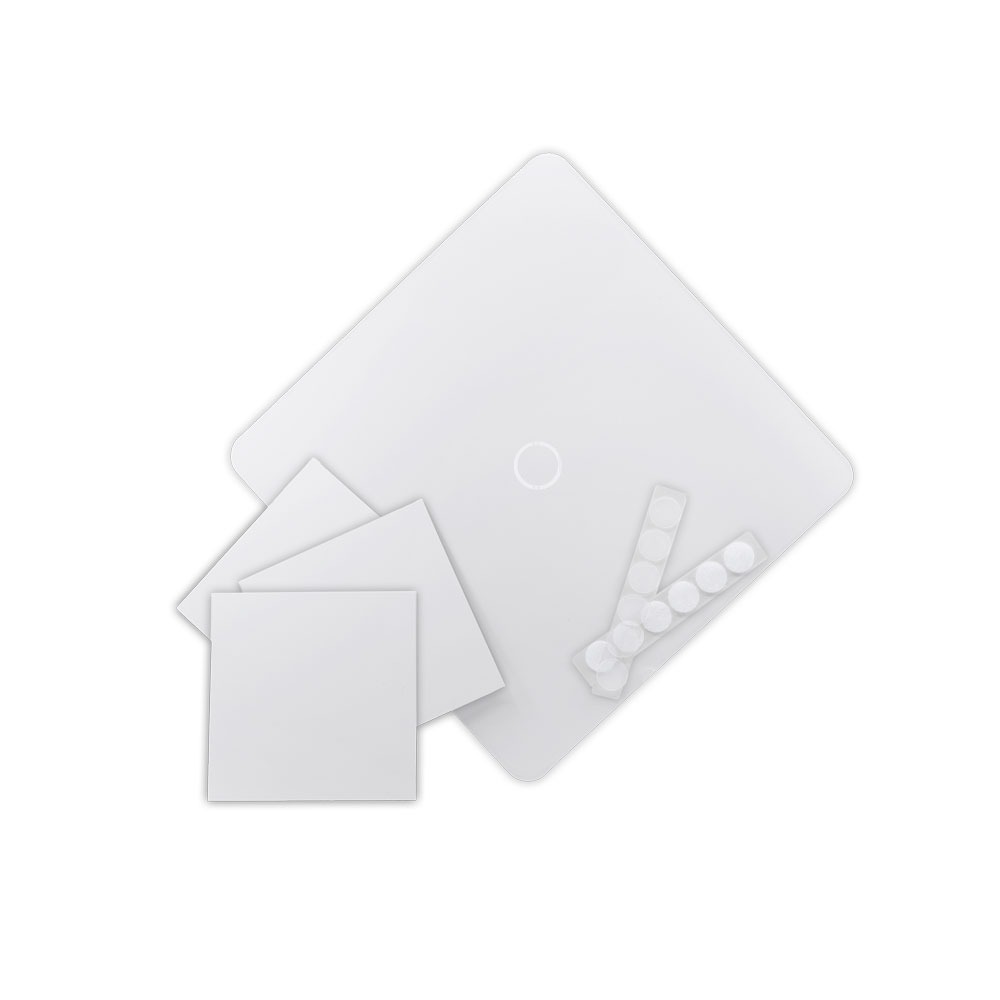
Learn how to sublimate Bold Boards in this step-by-step tutorial from Johnson Plastics Plus. Rhonny K walks you through how to center your design, secure it with heat-resistant tape and sublimation adhesive spray, and press for vibrant, aligned results.
In this video, you’ll see:
• How to position your Bold Board button cover
• Tips for taping and securing sublimation paper
• Why adhesive spray helps prevent shifting
• Recommended heat press settings for sublimating Bold Boards
• How to achieve bold color and clean alignment
Heat press settings used in this tutorial:
• 340°F
• Light to medium pressure
• 120 seconds
Whether you're new to sublimation or looking for tips to improve your finished products, this tutorial will help you get great results on Bold Boards.